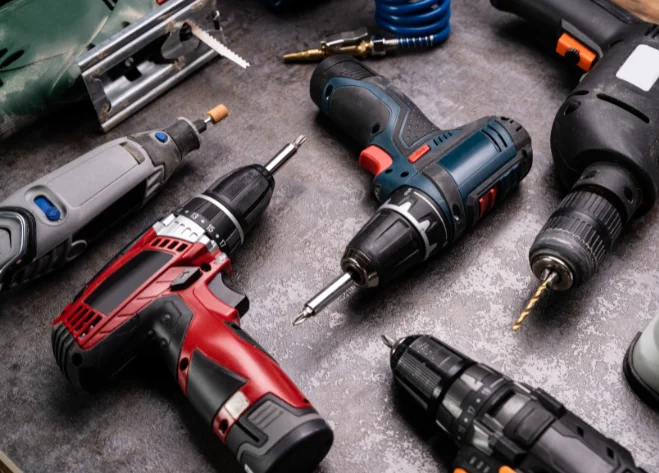
Power drills are among the most practical and versatile tools you can own. With just one tool, you can drill holes, drive screws, and handle a wide range of household or workshop projects. From hanging shelves and assembling furniture to working with wood, metal, or even concrete, a drill saves time and effort.
For beginners, however, the many features, types of drill bits, and settings may seem confusing. The good news is that once you understand the basics, learning how to use a power drill is simple. This guide explains everything step by step, including the different drill types, how to choose bits, safety precautions, and tips for long-term use.
Understanding Power Drills
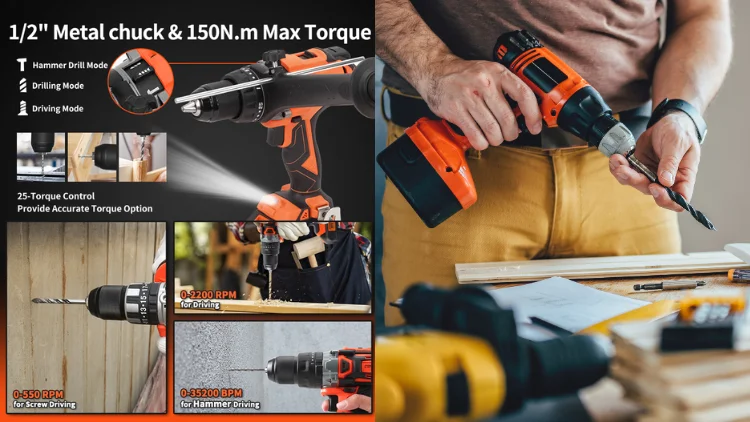
At its core, a drill is a handheld motorized tool that spins a bit to cut or drive into material. The main parts are:
- Handle and trigger: Squeezing the trigger controls the speed. A light press gives a slow rotation, while a firm press increases speed.
- Direction switch: One direction drives screws in, the other removes them.
- Speed settings: Many drills offer two speeds — low speed for driving screws and high speed for drilling holes.
- Chuck: The front part that holds the drill bit in place. It can be tightened by hand or with a key.
Once you know how each part works, you’ll feel more comfortable operating the drill.
Corded vs. Cordless Drills
When buying a drill, one of the first decisions is whether to choose a corded or cordless model.
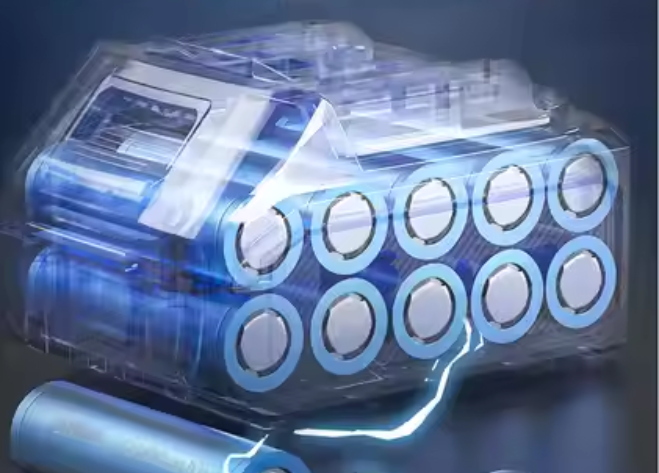
- Cordless drills run on rechargeable batteries, usually measured in amp hours (Ah). A higher Ah means longer run time, though it also makes the drill heavier. Cordless models are highly convenient because you can work anywhere without worrying about outlets.
- Corded drills plug directly into a power source. They are often lighter, more affordable, and can run continuously without needing to recharge. However, they limit mobility since you need to stay close to an outlet.
If you plan to do small projects around the home, a cordless drill is often the best choice. For heavy use in one place, a corded drill can be more efficient.
Choosing the Right Drill Bit
The real versatility of a drill comes from the bit you use. Different bits are designed for different materials:
- High-Speed Steel (HSS) bits: General purpose, suitable for wood, plastic, and light metal.
- Brad-point bits: Create clean, precise holes in wood.
- Masonry bits: Made for bricks, concrete, and stone.
- Cobalt bits: Heat-resistant and durable, best for hard metals.
- Screwdriver bits: Replace manual screwdrivers for driving screws.
- Multi-purpose bits: Can handle a variety of materials when you want one solution for many tasks.
Before drilling, always make sure the bit is sharp and securely tightened in the chuck.
Preparing to Drill
Preparation is key to accuracy and safety:
- Wear protective goggles to shield your eyes from dust or flying debris.
- Clamp or secure your material so it doesn’t move while drilling.
- Mark the exact spot where you want the hole with a pencil or punch.
- Double-check that the drill bit is firmly installed.
Taking a minute to prepare will help you avoid mistakes and achieve cleaner results.
Step-by-Step: How to Use a Power Drill
- Insert the bit: Loosen the chuck, place the drill bit inside, and tighten until secure.
- Position the drill: Place the tip of the bit on your marked spot. Hold the drill with both hands for better control.
- Start slowly: Press the trigger gently so the bit starts to cut without slipping.
- Increase speed gradually: As the bit sinks in, apply steady pressure and raise the speed.
- Complete the hole: Once the drill passes through, release the trigger and pull the bit out carefully.
- Drive screws if needed: Switch to a screwdriver bit, set the drill to low speed, and drive the screw into place.
By following this process, you’ll achieve cleaner holes and avoid damaging the material.
Common Mistakes to Avoid
Even simple tools can cause problems if used incorrectly. Beginners should avoid:
- Using the wrong drill bit for the material.
- Starting too quickly, which can cause the bit to slip.
- Applying too much force instead of letting the drill do the work.
- Forgetting to charge cordless batteries before a project.
Being aware of these mistakes helps you build good habits from the start.
Maintenance Tips for Drills
Taking care of your drill extends its life and ensures consistent performance:
- Clean bits and chuck after each use to prevent debris build-up.
- Maintain batteries by recharging them properly and avoiding deep discharges.
- Check cords on wired drills for wear and tear.
- Store in a dry place to protect against rust and corrosion.
With basic maintenance, a quality drill can last for many years.
FAQs
Which drill is best for beginners?
A basic cordless drill with variable speed is often best for home use.
How long does a cordless drill battery last?
It depends on the amp-hour rating and usage. Most batteries last from 30 minutes to over an hour of continuous work.
Can one drill handle both wood and concrete?
Yes, if you use the right drill bits and a drill with hammer functionality for concrete.
What’s the difference between a drill and an electric screwdriver?
A screwdriver is limited to driving screws, while a drill can drill holes and drive screws, making it more versatile.
Conclusion
Power drills may seem complicated at first, but once you understand the controls, drill bits, and proper techniques, they become simple and highly efficient tools.
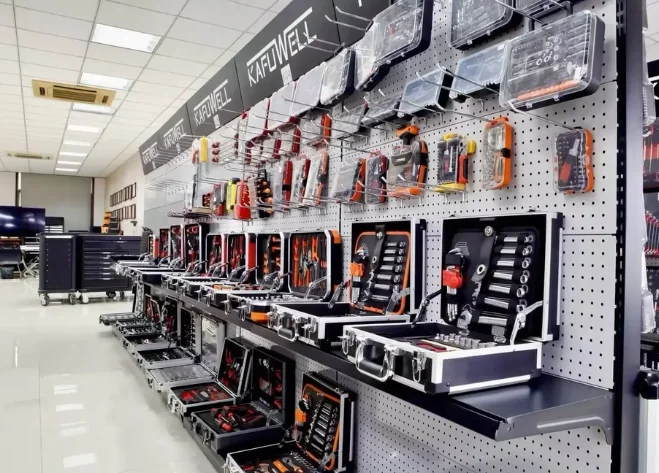
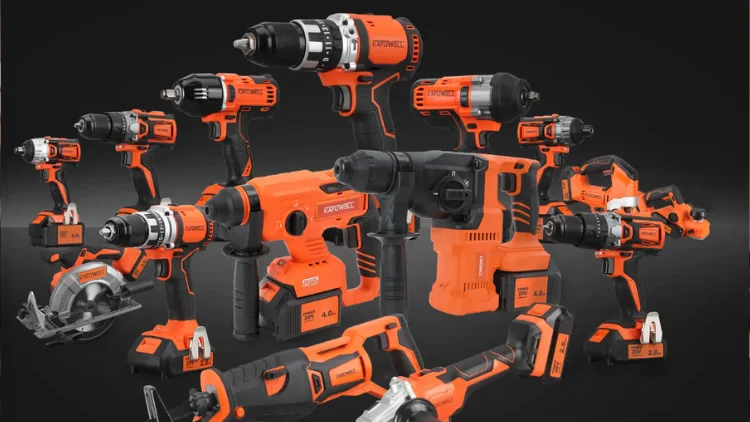
Explore Kafuwell power tools — designed to help you work safer and more efficiently on every project.